
Platinum ERP · Purchasing
Purchasing in Platinum ERP: order what you need, receive what you ordered
Platinum ERP follows every purchase from the order to the supplier payment. Purchase orders are built from what is running low, goods are received at the dock against the order with a handheld device, and the purchase invoice updates stock, item cost and the supplier balance in one step. Differences between what was ordered and what arrived appear on the spot, not at the month-end count.
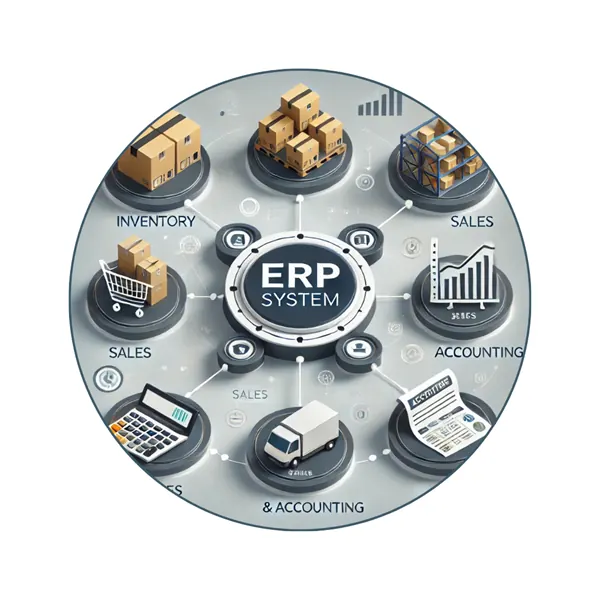
What the purchasing module covers
Purchase orders
Orders per supplier and branch, built from reorder lists and sent to the supplier, with their status followed until delivery.
Receiving at the dock
Goods are scanned with a PDA in the Purchase Order Receive app and checked against the order, item by item.
Purchase invoices
The supplier invoice is matched to what was received, and stock, item cost and the supplier account are updated together.
Purchase returns
Damaged, expired or excess goods are returned against the original invoice, with stock and the supplier balance adjusted.
Suppliers
Supplier cards, account statements, due dates and payment history, with purchase analysis by supplier and item.
Brands and catalogue
Brands with images and Arabic and English descriptions managed from the receiving app and shown in the e-store.
From order to payment
Need
Reorder lists show items below their minimum level.
Order
The purchase order is approved and sent to the supplier.
Receive
The PDA checks every item against the order at the dock.
Invoice
The purchase invoice updates stock, cost and the supplier balance.
Pay
The payment voucher or cheque settles the supplier account.
Connected to the rest of Platinum
- Inventory: received quantities and costs reach the warehouse at once. See Inventory.
- Accounting: supplier balances, payments and cheques are posted automatically. See Accounting.
- Receiving app: Purchase Order Receive on a PDA at the dock. See Platinum Apps.
- Manufacturing: raw materials are purchased against production needs. See Manufacturing.
Questions about Platinum purchasing
Can I receive goods without the purchase invoice?
Yes. Goods are received against the order first, and the supplier invoice is matched to the receipt when it arrives.
What happens when the supplier delivers less than ordered?
The difference appears during receiving on the PDA, and only the quantity actually received enters stock and the invoice.
Does purchasing update the item cost?
Yes. Each purchase invoice updates the item cost used in profit reports and stock valuation.
Talk to First Solution
Tell us your type of business and number of branches, and we will show you this part of Platinum on data similar to yours. Phone/WhatsApp +962 77 924 6666, First Solution For Software, Amman.