
E-invoicing · Jordan
JoFotara e-invoicing: every invoice sent from Platinum, automatically
JoFotara is Jordan's national e-invoicing system, run by the Income and Sales Tax Department. Registered businesses must send their invoices to it electronically, and each accepted invoice carries a QR code that proves it was reported. Platinum ERP and the First Solution point-of-sale system are connected to JoFotara, so invoices are submitted from the system itself, with no second entry on the portal.
What is JoFotara?
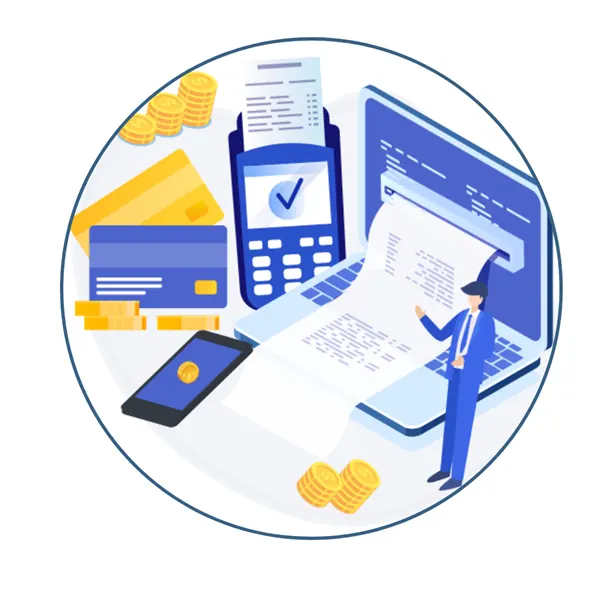
JoFotara (the Jordanian National Invoicing System) is the platform through which the Income and Sales Tax Department receives the invoices issued by businesses in Jordan. Instead of the department seeing your sales only in the periodic tax return, it receives each invoice when it is issued.
The business connects its invoicing software to JoFotara through an electronic interface. Each invoice is sent in a standard electronic format, the platform validates it and returns a confirmation and a QR code, and the QR code is printed on the invoice the customer receives. Anyone can scan it to check that the invoice was reported.
How Platinum handles JoFotara
Automatic submission
Sales invoices from Platinum ERP and the registers are sent to JoFotara as they are issued, without logging in to the portal.
QR code on the invoice
The QR code returned by JoFotara is stored with the invoice and printed on the receipt or the A4 invoice.
Credit notes for returns
Returns create a credit note linked to the original invoice and are reported the same way.
Cash and credit invoices
Cash sales and invoices on account are both reported, with the buyer details required for each type.
Error handling
If an invoice is rejected or the connection is down, it is flagged in the system and resent, so no invoice is lost.
Reports that match
Sales tax reports in Platinum are built from the same invoices that were sent to JoFotara.
Getting connected
Register
The business activates its account on the JoFotara portal.
Credentials
The integration keys for the income source are generated on the portal.
Configure
Our team enters the keys and invoice settings in Platinum.
Test
Sample invoices are sent and the QR code checked on the printout.
Go live
Every new invoice is reported automatically.
Questions about JoFotara
Do I still need to enter invoices on the JoFotara portal?
No. Once Platinum is connected, invoices are submitted from the system automatically and the portal is used only for account administration.
Does it work for the registers in my branches?
Yes. Register receipts are reported like any other invoice, and the QR code is printed on the customer receipt.
What happens if the internet is down?
Sales continue at the register. Invoices waiting to be sent are kept and submitted when the connection returns.
Can First Solution connect a business that does not use Platinum yet?
JoFotara integration is part of Platinum ERP and the First Solution POS. Contact us and we will review your case during the demo.
Talk to First Solution
Tell us your type of business and number of branches, and we will show you this part of Platinum on data similar to yours. Phone/WhatsApp +962 77 924 6666, First Solution For Software, Amman.